


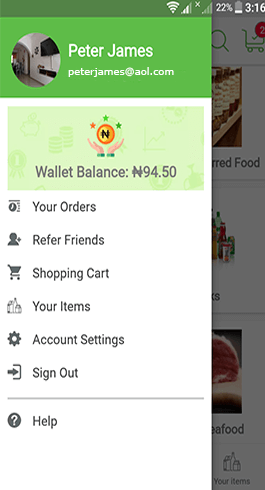


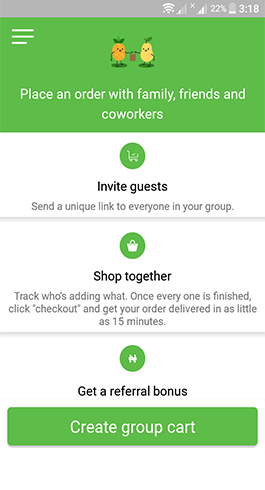
It's free to download and install on Playstore.
You're required to sign up/in and then choose a preferred grocery shop from the ones that the system has auto-displayed based on your current or selected location. Once a shop has been selected, you can then add items to cart and place your orders.
During checkout, the system auto-assigns your order to the closest pre-qualified Shopper whose task is to handpick the items from your selected shop(s) and ensure that you receive them on time and according to your basket requirements, too.



 View on map